Entering Student Custody Information
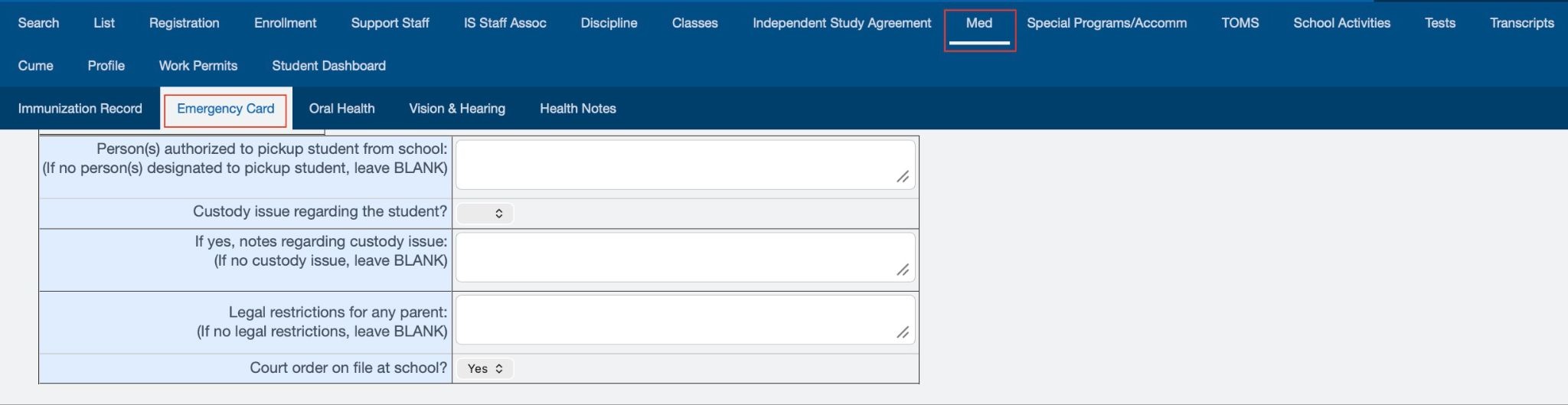
To enter or update a student’s custody information, navigate to the student dashboard and follow this path:
Med > Emergency Card
Use the designated text fields to document the student’s custody arrangements. The information is organized into separate fields to support readability and ensure that staff can easily review and reference the details as needed.
Uploading documentation
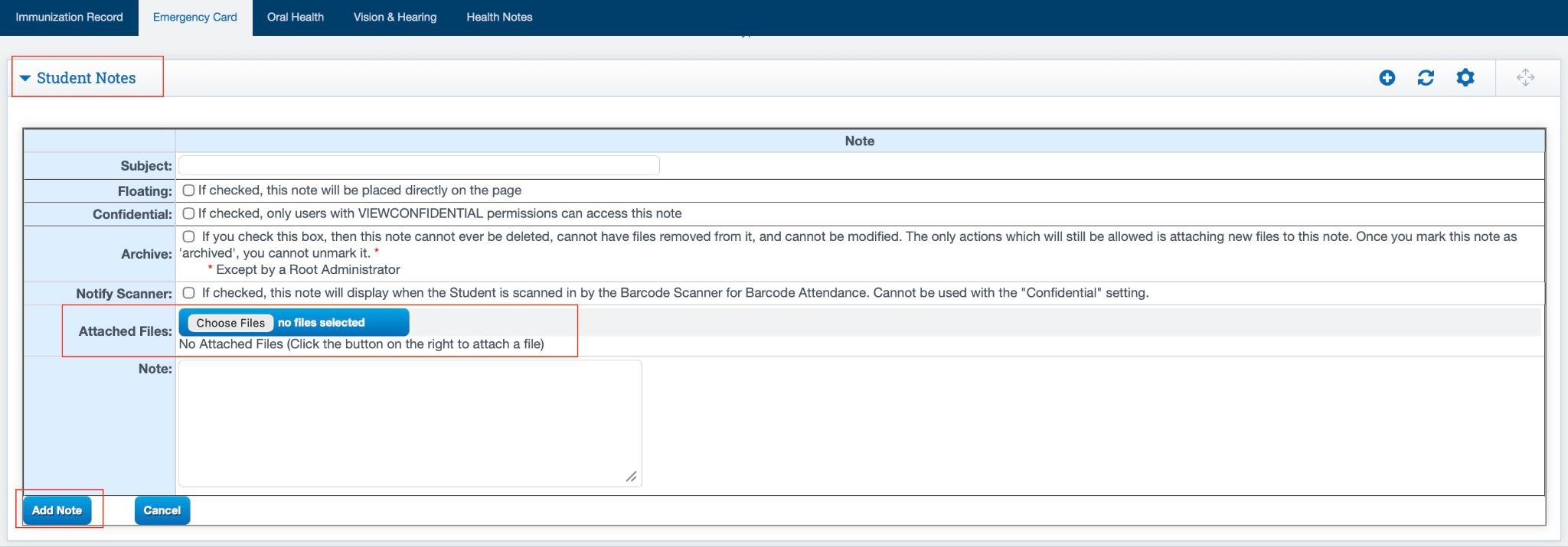
Student Documents
The Student Documents section is located at the bottom of the Emergency Card page. Select the expander to view the available document options.
Users can create a floating note, specify the confidentiality, archive documents, and attach files such as court orders or other legal documentation. A designated text field is also available for entering additional notes or relevant details for record keeping and future reference.