
New Feature!
With our refreshed landing page update, users can now easily favorite frequently accessed pages for quicker navigation.
To add a page to your Favorites:
-
Navigate to the desired page title.
-
Click the star icon next to the page name.
-
The page will automatically be saved under Favorites in the left-hand menu.
This allows you to personalize your navigation and quickly access the pages you use most often.
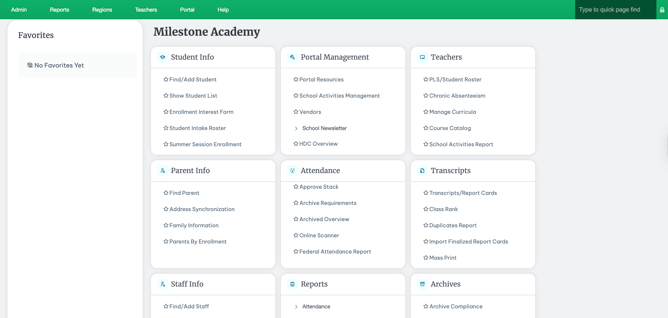
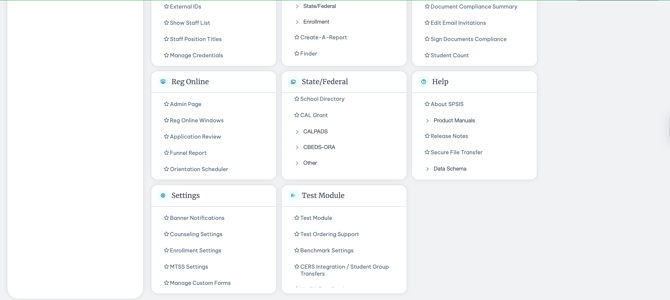
-
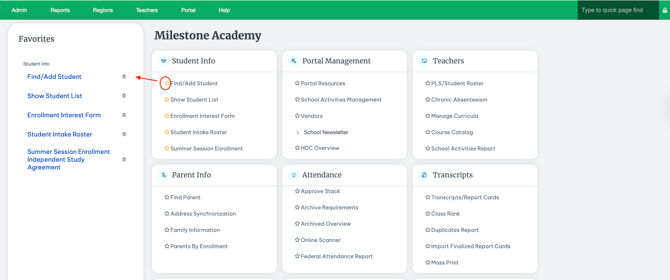
As seen below, after selecting the star icon, the page will automatically populate in the Favorites section on the left-hand side. Your favorite pages will remain easily accessible each time you open the SIS, helping streamline your workflow.
-
Quickly, delete these favorites by selecting the trash can next to the favorite page, or by selecting the star again to remove.