Navigation:
Admin>Student Info>Class Schedules>Class Schedules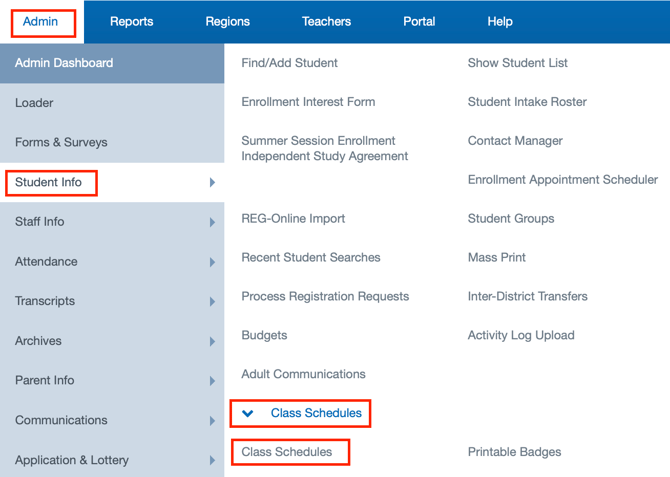
Schedule Options
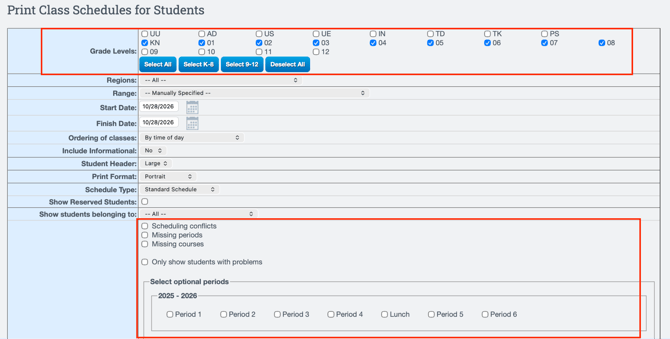
Users will have the option to print schedules based on specific criteria by selecting a range of different options. After selecting all desired options, click Show Students to generate a list of students that matches the selected criteria.
Did you know?
Schedules can also be printed or displayed that have conflicts, missing periods and missing courses.
List of students
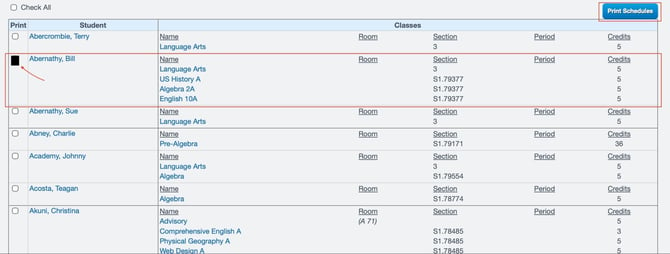
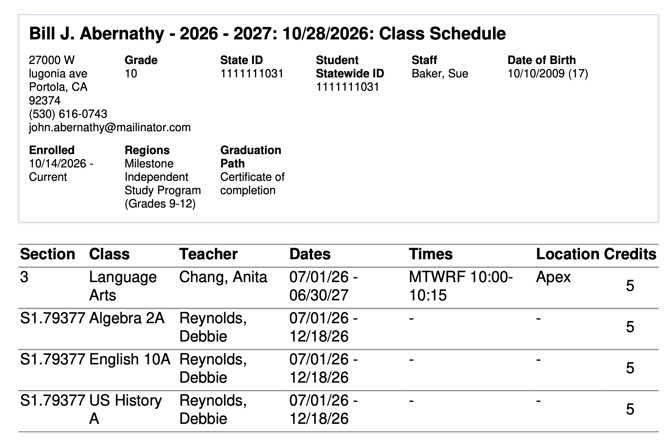
A list of students will appear. Select one or more students, then click Print Selected to preview their class schedules.